Inclusive & Global Design
Reach every user, everywhere. Robust fallback strategies ensure your content is legible and accessible across all languages and devices, preventing layout breaks and missing glyphs.
 Fallback Style
Style fallback fonts, audit language support, and export production CSS. The ultimate tool for consistent, shift-free web typography.
No more "guessing" at line-heights or size-adjustments across locales. No more fumbling around Figma trying to simulate localized content.
Drag and drop your .woff2 or .otf files.
Add your target countries and regions to see your typography populated across every language you support.
Use intuitive sliders to align x-heights and baselines with mathematical precision.
Fine-tune ascent, descent, and line-gap overrides to lock in your layout.
Export production-ready CSS or a version-controlled JSON workspace that your developers can implement in seconds.
A suite of helpful visual guides and tools to demystify the "black box" of browser rendering.
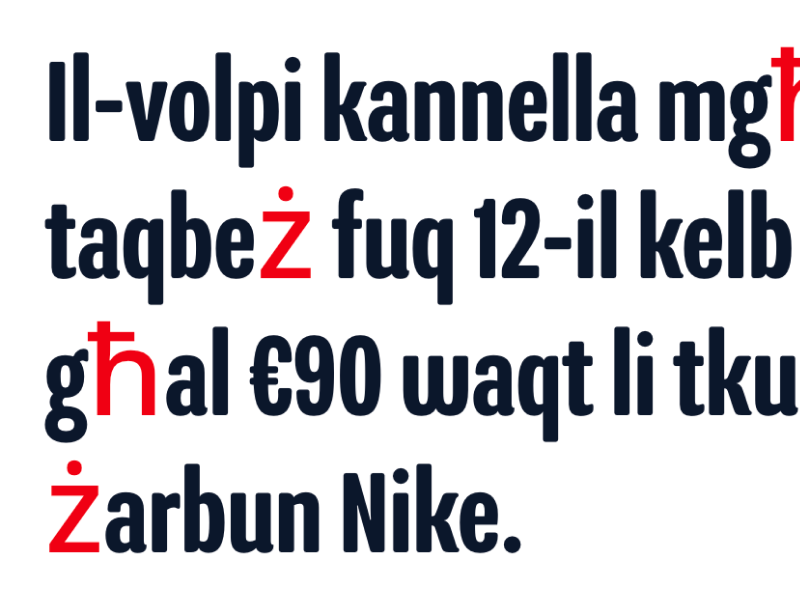
Instantly see which font is rendering which glyph with color-coded overlays.
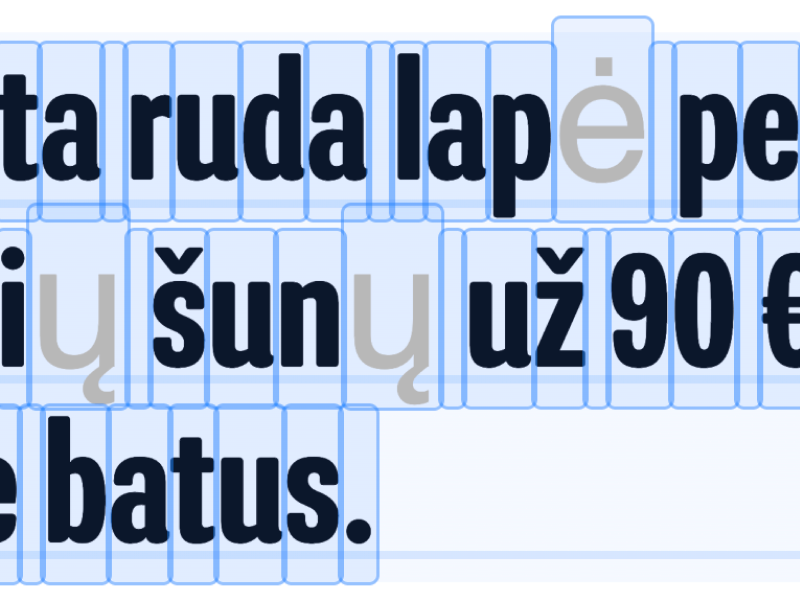
Debug vertical rhythm and prevent clipping in tall scripts like Thai, Arabic, or Devanagari.
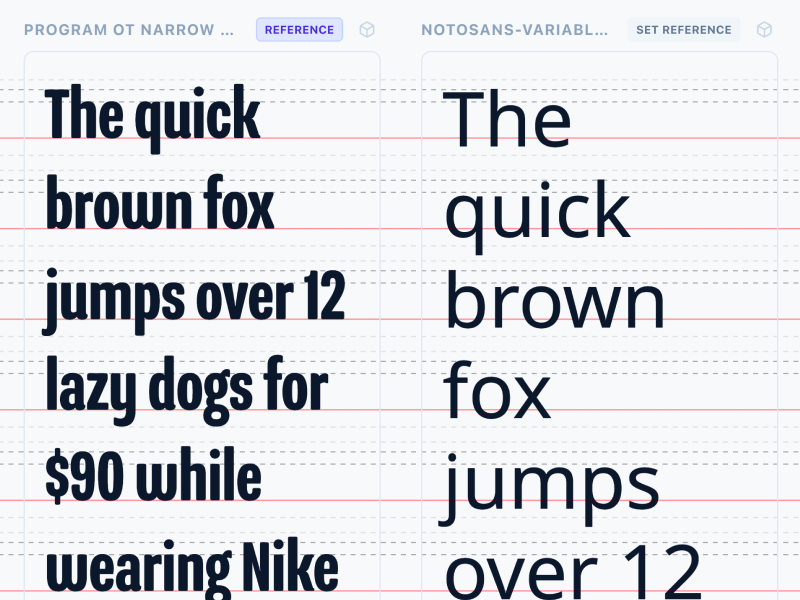
Select 2–4 fonts and compare them side-by-side to spot discrepancies in geometry and leading.
Elevate your digital presence with a strategy that prioritizes inclusivity, performance, and brand consistency.
Reach every user, everywhere. Robust fallback strategies ensure your content is legible and accessible across all languages and devices, preventing layout breaks and missing glyphs.

Speed is a feature. Minimize Cumulative Layout Shift (CLS) and optimize First Contentful Paint (FCP) to boost SEO rankings and retain impatient visitors.
Maintain your visual voice. Matching fallback fonts prevents jarring flashes of unstyled text, ensuring your brand feels premium and polished from the very first frame.
Everything you need to know about font overrides and CLS.